

Overview
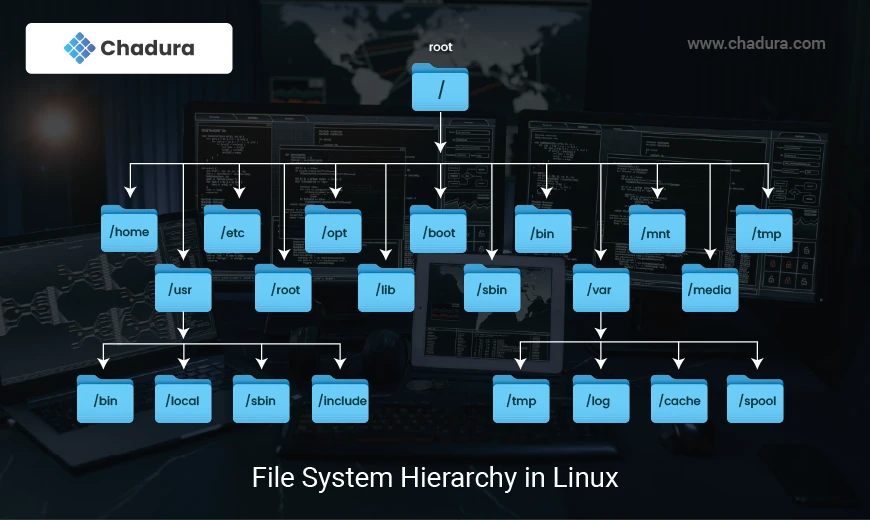
The Linux file system is a hierarchical structure that organizes and stores data on a computer. It follows a tree-like structure with a single root directory ("/") at the top, branching out into subdirectories and files. Linux uses various file systems such as ext4, XFS, Btrfs, and others to manage how data is stored and accessed. Files are treated as a series of bytes and are organized into blocks for efficient storage.
File Types in Linux
Linux supports several file types:
- Regular files : Text, binary, or executable files.
- Directories : Folders that contain other files and directories.
- Symbolic Links : Shortcuts or pointers to other files.
- Device files : Represent hardware devices ( e.g., /dev/sda for a hard drive).
- Pipes and Sockets : Used for inter-process communication.
- Creating and Editing Files
touch : Creates an empty file or updates the timestamp of an existing file.
touch newfile.txtnano, vim, or gedit (graphical editor ) : Text editors used to create or edit files.
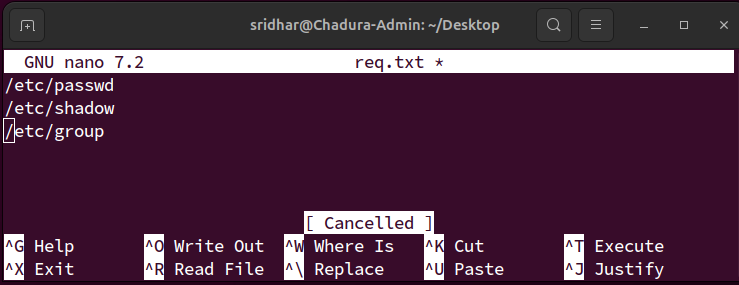
nano editor
nano filename.txt
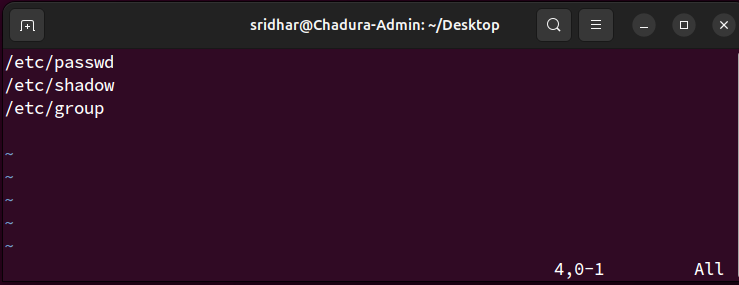
vim editor

vim filename.txt
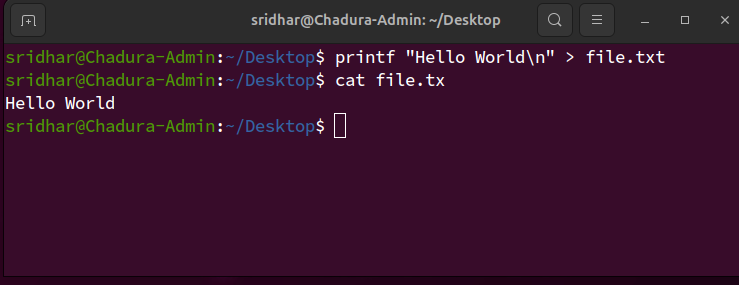
echo and print: Write text to a file.
Writes "Hello World" to file.txt.

echo "Hello World" > file.tx

printf "Hello World\
" > file.txt
cp: Copies files or directories.
cp source.txt destination.txt
cp -r : Copying files from Directories
cp -r sourcedir/ targetdir/ mv : Moves or renames files and directories
mv file.txt newfile.txt- Renames file.txt to newfile.txt.
mv file.txt /path/to/destination/rm : Deletes files.
rm filename.txt- Recursively deletes a directory and its contents.
rm -r directory/
- Prompts for confirmation before deleting the file
rm -i filename.txt File Permissions
Every file and directory in Linux has three permission levels: Owner, Group, and Others, each with three types of access:
Read (r) : View the contents of the file.
Write (w): Modify the file.
Execute (x): Run the file if it’s a script or program.
ls -l : Shows file permissions in the format drwxr-xr-x.
Here:
- d indicates a directory.
- The first three characters (rwx) indicate the owner’s permissions.
- The next three (r-x) indicate the group’s permissions.
- The final three (r-x) indicate others' permissions.
chmod : Changes file permissions.
- Sets read, write, and execute permissions for the owner and read/execute for others (755).
chmod 755 filename.txt
- Adds execute permissions for the owner(user)
chmod u+x filename.sh chown : Changes the ownership of a file or directory.
chown user group filename.txt File Compression and Archiving
tar : Archives multiple files into a single file.
tar -cvf archive.tar <input_directory>- Extracts the contents of the archive
tar -xvf archive.tar - gzip and gunzip Compresses or decompresses files.
gzip file.txt- Compresses file.txt to file.txt.gz.
gunzip file.txt.gz

zip archive.zip file1 file2- Decompresses files in zip format.
unzip archive.zip Advanced File Handling Commands
- File Searching
find : Searches for files based on criteria (name, size, modification time, etc.).
- Finds all .txt files in the given path
find /path -name "*.txt" - Finds files larger than 1 MB
find /path -type f -size +1M locate: Quickly finds files using a pre-built database.
locate filenamegrep: Searches for text patterns within files.
grep "pattern" filename.txt- Searches for "pattern" in filename.txt.
grep -r "pattern" /path/ File Linking
ln :Creates hard or symbolic links.
Hard link: Another name for a file, both references point to the same data on disk.
ln file1 file2 Symbolic link (symlink): A shortcut or pointer to the original file.
ln -s file1 link_to_file - File Backup and Synchronization
rsync: Synchronizes files and directories between two locations. rsync is commonly used for backups or mirroring directories.
rsyncrsync -avz /source/ /destination/- Disk Usage and File Size
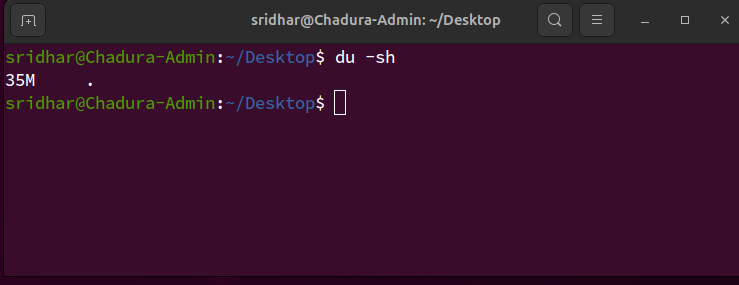
du : Shows disk usage of files and directories.
- Displays the size of a directory in a human-readable format
du -sh directory/
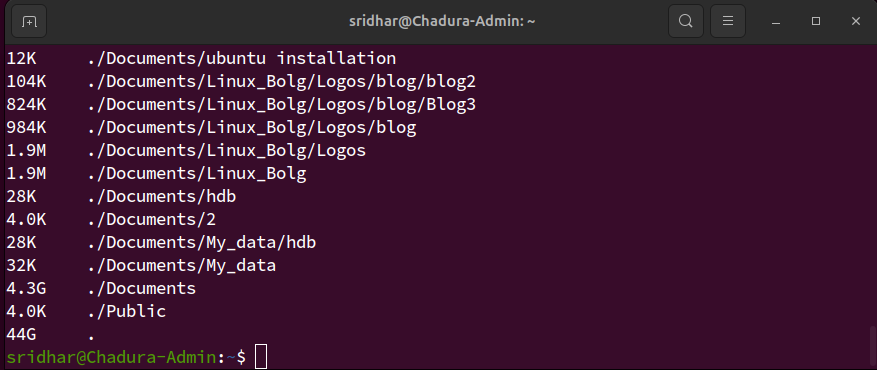
- Shows the size of files and directories up to a depth of one level.
du -h --max-depth=1 df
df -h:Displays disk space usage in human-readable format
- File System Navigation
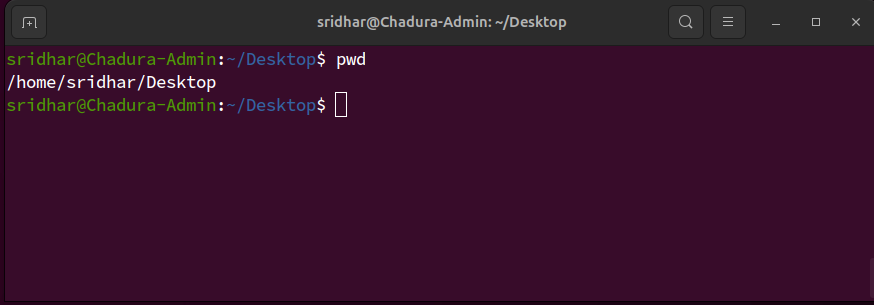
pwd: Prints the current working directory.
cd: Changes the current directory.
cd /path/to/directory
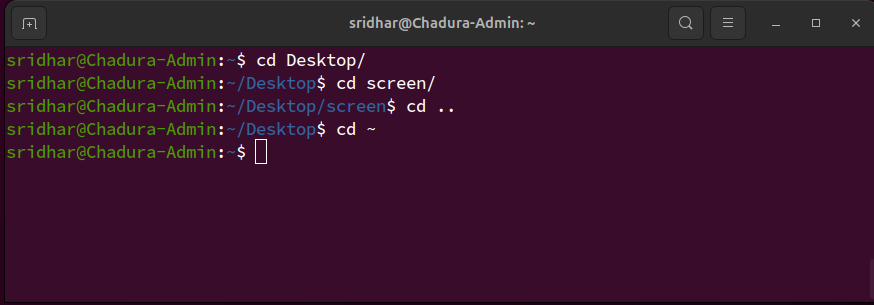
cd.. : Moves to the specified directory.
cd ~ : Moves to the home directory.