

1. Why Cost Optimization Matters
The cloud promised “pay‑as‑you‑go” convenience, but the reality for many enterprises is a bill shock that erodes margins and undermines digital transformation initiatives. According to a 2023 Gartner survey, 65 % of organizations say cloud cost overruns are the biggest barrier to expanding their cloud footprint.
What does that mean for you?
- Profitability: Every un‑optimized dollar directly reduces bottom‑line ROI.
- Competitive Edge: Lower operating costs give you headroom to invest in innovation, talent, or price advantage.
- Governance & Compliance: Unexpected spend can violate budgeting policies or internal governance frameworks.
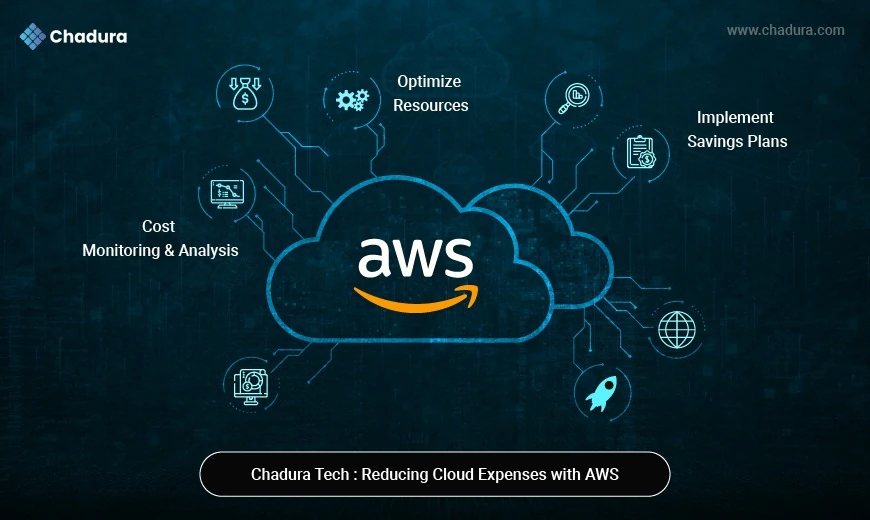
Cost optimization isn’t a one‑off project; it’s a continuous discipline that should be baked into architecture, development, and operations.
2. Understanding How AWS Bills You
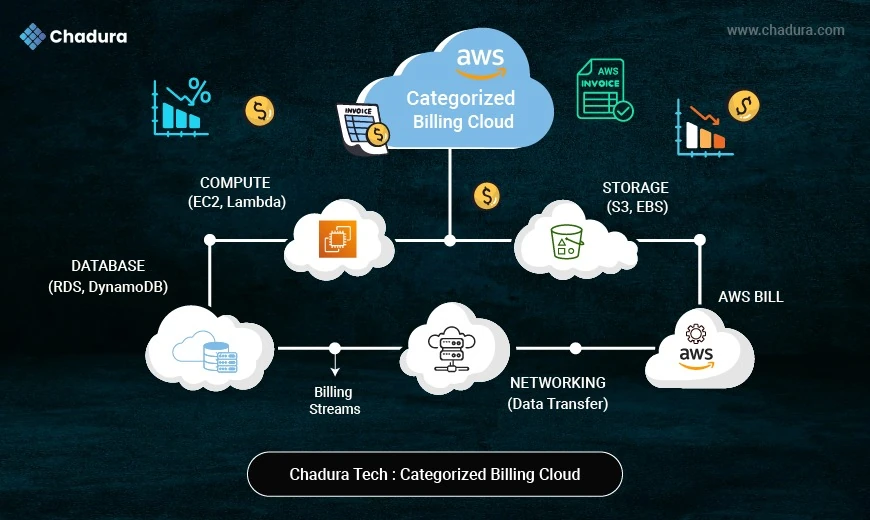
Before you can trim waste, you must decode the pricing model. AWS pricing isn’t a single‑dimensional rate; it’s a matrix of services, usage types, and hidden variables:
- Compute: Costs depend on instance type, vCPU, memory, region, and usage; common issue is over-provisioned or idle EC2 and underused RDS.
- Storage: Driven by storage size, I/O, and lifecycle policies; mistake is keeping rarely used data in S3 Standard instead of cheaper tiers.
- Data Transfer: Charges come from egress, cross-AZ/region traffic, and NAT/VPN; pitfalls include excessive internal traffic and uncompressed data.
- Managed Services: Based on API calls and capacity; waste happens with too many Lambda executions and over-provisioned DynamoDB.
- Support & Licensing: Influenced by support plans and licensing type; overspending occurs with unused premium support and idle licensed resources.
3. Foundational Pillars of an Optimization Program
3.1 Governance & Visibility
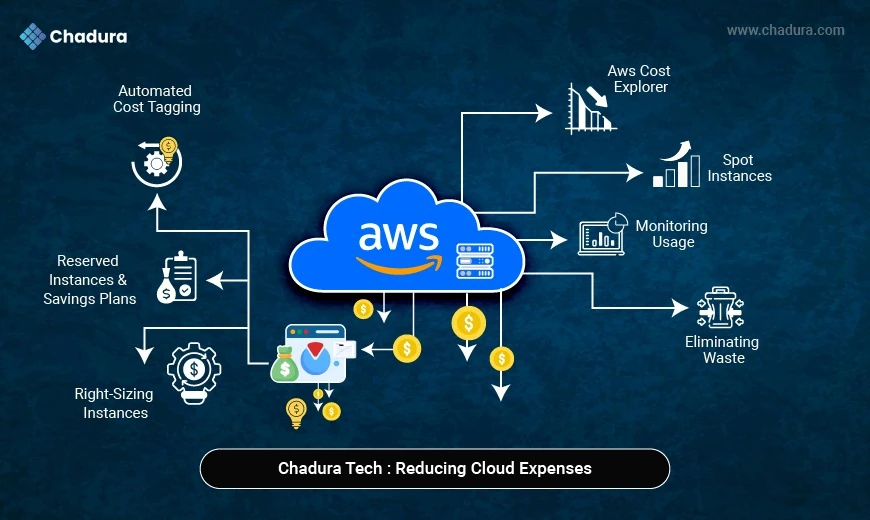
- Tagging: Adopt a mandatory tagging strategy (CostCenter, Environment, Owner, Project).
- Consolidated Billing: Use a master payer account with linked accounts for each team or business unit.
- Budgets & Alerts: Set monthly/quarterly thresholds in AWS Budgets and route alerts to Slack, Teams, or email.
3.2 Right‑Sizing & Elasticity
- Match capacity to demand via auto‑scaling groups, serverless, or container orchestration.
- Identify “zombie” resources (instances running < 5 % CPU for > 30 days) and de‑provision.
3.3 Commitment‑Based Discounts
- Reserved Instances (RI): Up‑front payment for a 1‑ or 3‑year term - up to 75 % discount on steady‑state workloads.
- Savings Plans: More flexible, apply across instance families, regions, and even Fargate/ECS.
3.4 Spot & Serverless Savings
- Spot Instances: Bid on spare capacity for transient workloads (up to 90 % discount).
- AWS Lambda & Fargate: Pay per‑request/second, eliminating idle servers.
4. Deep‑Dive: Practical Strategies
Below is a step‑by‑step playbook that any enterprise can start executing today.
4.1 Right‑Sizing Compute Resources
Tools: AWS Compute Optimizer, Trusted Advisor, CloudWatch metrics, and third‑party platforms like CloudHealth.
Collect Utilization Data
- Enable detailed monitoring (1‑minute granularity) for EC2, RDS, and ECS.
- Export metrics to Amazon CloudWatch Logs Insights or Amazon Athena for analysis.
Identify Over‑Provisioned Instances
- Look for average CPU < 20 % , memory < 30 % , and network I/O far below capacity.
- Use Compute Optimizer’s recommendation engine for instance families (e.g., t3.medium → t3.small).
Migrate Thoughtfully
- Test in a sandbox : Spin up the smaller instance, attach the same EBS volume, and validate performance.
- Automate with AWS Systems Manager Automation documents to batch‑resize across regions.
Leverage Auto‑Scaling
- Set target tracking policies based on CPU, RequestCount, or custom CloudWatch metrics.
- Combine with Scheduled Scaling for predictable diurnal patterns (e.g., day‑time vs. night‑time load).
Implementation Blueprint
1.Create a Baseline Forecast - Use the AWS Cost Explorer “Reservation Recommendations” to predict 1‑year and 3‑year spend.
2.Purchase Incrementally - Start with a 30 % commitment and monitor utilization; add more as you confirm stable usage.
3.Set Up Alerts - CloudWatch Alarm on RI Utilization < 50 % triggers a review ticket.
4.3 Spot Instances & Spot Fleets
Identify Spot‑Friendly Workloads - Batch data processing, CI/CD runners, scientific simulations, image rendering.
Configure Spot Fleet or Spot Instance Pools -
- Spot Fleet (request-based) automatically diversifies across instance types and Availability Zones.
- Capacity‑Optimized Allocation Strategy picks the pool with the least risk of interruption.
Graceful Interruption Handling -
- Use EC2 Spot Instance Interruption Notices (a 2‑minute warning) to checkpoint, checkpoint to S3/EFS, or push tasks back to the queue.
- Adopt AWS Batch or Kubernetes (EKS) with the Spot Interruption Handler for container workloads.
Cost Savings - Typical discount of 70‑90 % vs. on‑demand, with no long‑term commitment.
4.4 Serverless & Container‑First Architectures
- AWS Lambda: Best for event-driven microservices and APIs; priced per invocation and GB-seconds; saves up to 80% compared to always-on EC2.
- AWS Fargate (ECS/EKS): Ideal for container workloads without server management; charged by vCPU and memory usage; can save 30 - 50% vs low-utilization EC2.
- AWS App Runner: Suited for full-stack web apps and quick deployments; billed per request and memory; cost-effective and simpler for low-traffic applications.
How to Migrate
- Identify Idle APIs - Use X‑Ray tracing or API Gateway logs to spot low‑traffic endpoints.
- Refactor to Lambda - Break monolith endpoints into discrete functions; use AWS SAM or Serverless Framework to manage deployments.
- Containerize - Package legacy services in Docker, push to Amazon ECR , and run on Fargate with CPU/Memory reservations that align with actual load.
4.5 Data Transfer & Storage Optimizations
4.5.1 Storage Tiering
- S3 Intelligent‑Tiering automatically moves objects between frequent and infrequent access tiers.
- Use S3 Lifecycle Policies to transition older data to Glacier or Glacier Deep Archive after a set number of days.
4.5.2 EBS Volume Right‑Sizing
- Delete unused volumes (snapshot‑only).
- Convert gp2 (General Purpose SSD) to gp3 (pay‑per‑GB + separate IOPS) - up to 20 % cheaper for the same performance.
4.5.3 Reduce Data Transfer Costs
- VPC Endpoints (Gateway/Interface) keep traffic within the AWS network (no NAT/Internet egress).
- Use CloudFront to cache static assets at edge locations, cutting origin egress.
- Compress data (gzip, Brotli) before sending across regions or to external partners.
4.5.4 Database Cost Controls
- Aurora Serverless v2 automatically scales compute capacity based on workload, paying only for active seconds.
- RDS Storage Auto‑Scaling prevents over‑provisioning of storage while protecting against performance throttling.
4.6 Multi‑Account & Consolidated Billing
- AWS Organizations enables a single payer account with Service Control Policies (SCPs) that enforce cost‑center boundaries.
- Cost Allocation Tags propagate across linked accounts, making cross‑team reporting trivial.
- Cross‑Account Sharing of Reserved Instances and Savings Plans automatically applies to any linked account, maximizing utilization.
4.7 Automation & IaC (Infrastructure as Code)
- AWS Lambda + CloudWatch Events: Automatically shuts down dev resources after hours; removes cost from idle EC2 and EBS usage.
- AWS Instance Scheduler: Starts and stops non-production instances on schedule; can reduce dev/test costs by around 30%.
- Terraform + Sentinel: Enforces policy-as-code to restrict expensive configurations; avoids accidental over-provisioning.
- AWS Service Catalog: Provides approved, cost-optimized templates; controls resource sprawl and prevents unnecessary usage.
Sample Workflow:
1.Tag every resource with Env=Prod|Staging|Dev.
2.Create a CloudWatch Event rule that triggers a Lambda at 18:00 UTC.
3.Lambda queries EC2 for instances with Env=Dev and State=running, then stops them.
4.Notify the responsible owner via SNS to avoid surprise downtime.